
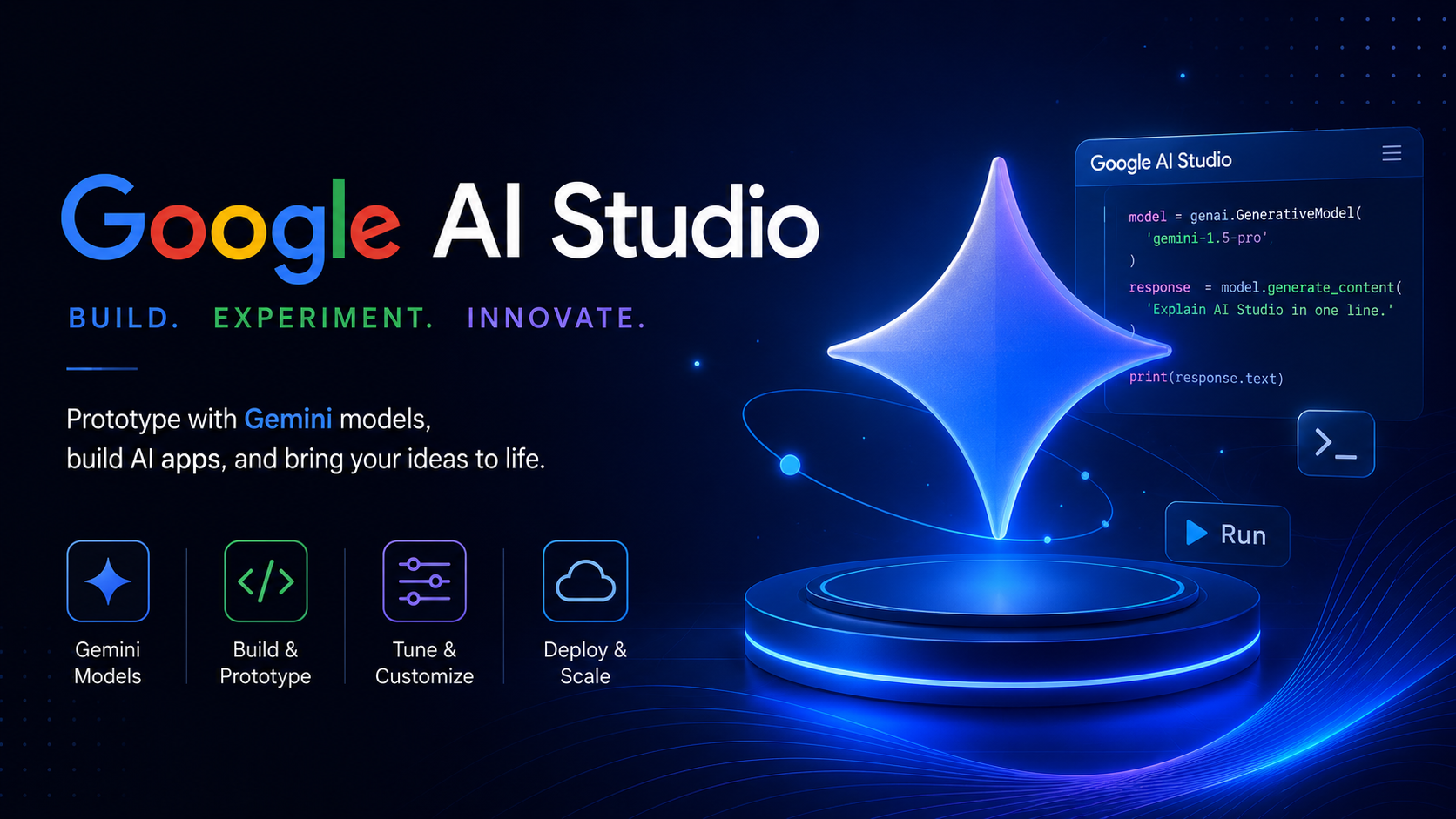
From “Vibe Coding” to native app creation – how Google’s browser-based sandbox is turning raw ideas into functional software in minutes.
If you tuned into Google I/O 2026, you probably noticed a massive shift in how the tech giant talks about AI. We are officially moving past the era of the passive chatbot. Google is no longer just trying to answer your questions or autocomplete your sentences; they want to help you build things.
Nowhere was this more obvious than the updates to Google AI Studio.
What used to be a playground for testing prompts has transformed into a browser-based powerhouse for software creation. Whether you are a seasoned engineer or a founder who doesn’t know a line of code, Google’s message this year was simple: if you can describe it, you can build it.
Here is a breakdown of how Google AI Studio is turning the “vibe coding” trend into a legitimate reality.
1. Native Android App Generation (Without the Code)
The absolute showstopper for AI Studio this year is the ability to build native Android applications straight from a text prompt in your browser.
You describe the app you want, and AI Studio generates it in native Kotlin. It isn’t just building superficial mockups either. The platform can natively tap into:
- Onboard cameras and Bluetooth connections
- Live GPS location data
- Accelerometer and gyroscope hardware
- Complex background tasks and offline functionality

Once you iterate on your design using the chat interface, you can plug in a physical Android phone via USB and install your brand-new app directly using integrated debugging tools. It lowers the barrier to mobile development to nearly zero.
2. Powered by Gemini 3.5 Flash: Built for Speed
An AI builder is only as good as the model driving it. Google announced Gemini 3.5 Flash, which is now integrated directly into AI Studio.
The big deal here is speed. Google claims Gemini 3.5 Flash operates four times faster than competing frontier AI systems. In development, latency is a creativity killer. If you have to wait two minutes for an AI to generate a codebase shift, you lose your train of thought. 4x speed keeps you in flow state, making the prototyping loop feel instantaneous.
3. The Annotation Layer: Draw Your Edits
Trying to explain a visual layout bug using text is incredibly frustrating. (“No, move the button slightly to the left of the second image container…“)
Google solved this by introducing a visual Annotation Tool inside the AI Studio preview window. You can now draw directly on the app preview to mark up components, tweak layouts, and visually show the AI exactly what needs to change. It bridges the gap between design and development, turning AI Studio into a collaborative canvas.
From “Vibe Prototyping” to Production Scale
| Metric / Feature | Google AI Studio | Google Antigravity 2.0 |
| Primary Environment | Web Browser | Desktop Application |
| Best For | Rapid Prototyping & “Vibe Coding” | Production Architecture & Deployment |
| Workflow State | Front-end UI & Fast Prototyping | End-to-end testing, Multi-file features |
| Agent Control | Single-prompt iteration | Orchestrating multiple parallel subagents |
Once your prototype in AI Studio hits its limit, you can export your complete project state seamlessly into Antigravity—Google’s agent-first workspace. From there, autonomous agents can take over the heavy lifting: planning file architectures, writing multi-file updates, and executing rigorous browser testing.
The Takeaway: The democratization of software development is accelerating. Google AI Studio is evolving into a comprehensive workspace where the distance between a raw idea and a functional, cross-platform application is measured in minutes, not months.
What kind of application are you planning to build first with these new tools?
To see these tools in action and catch the full breakdown of how they integrate, you can watch the Google I/O 2026 Developer Keynote 5-Minute recap. This quick video summarizes all the essential updates on the Antigravity platform and the future of agentic workflows.
Google AI Studio updates 2026 | Gemini 3.5 Flash | AI app development | Vibe coding tools | Google AI Studio native Android support | vibe coding with Google AI Studio | Gemini 3.5 Flash coding capabilities | AI agent app generation | no-code Android development | Kotlin app generation AI | autonomous AI workflows for developers | Gemini API managed agents
Leave a Reply